⚡ Direct Quick Answer
At the Distillation Cube workbench, queue Alcohol using 1 Wine and 2 Clay Urns with at least 20 station fuel points.[1][2] The station distills the batch automatically once queued; community walkthroughs report a yield of 4 Alcohol (boosted to 7 with the Cube distillations perk).[3][4]
Recipe Inputs & Outputs
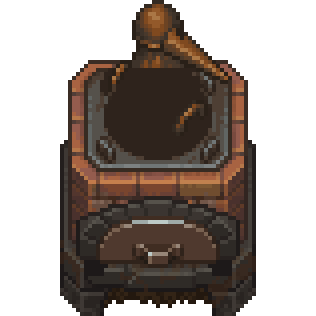 Distillation Cube • Alcohol Formulation
📥 Required Ingredients
-
1×
 Wine (Any Quality Tier)
-
2×
 Clay Urns (Station container)
📤 Batch Output Yield
-
4× Bottles
 Standard Yield: Alcohol
-
✨ With Perk: Cube distillations7× Boosted Yield
Workbench Interface & Queue Operation
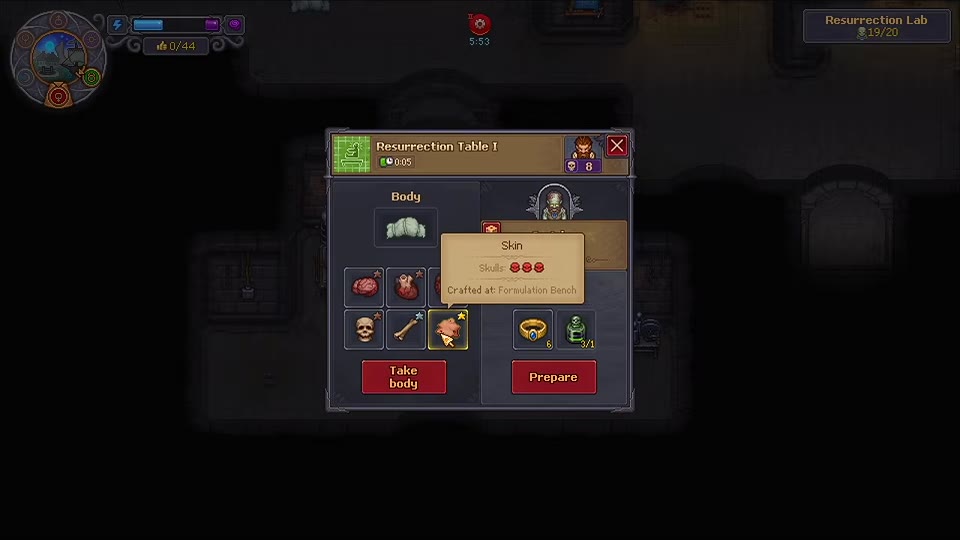
The screenshot below illustrates the active Distillation Cube workbench interface:
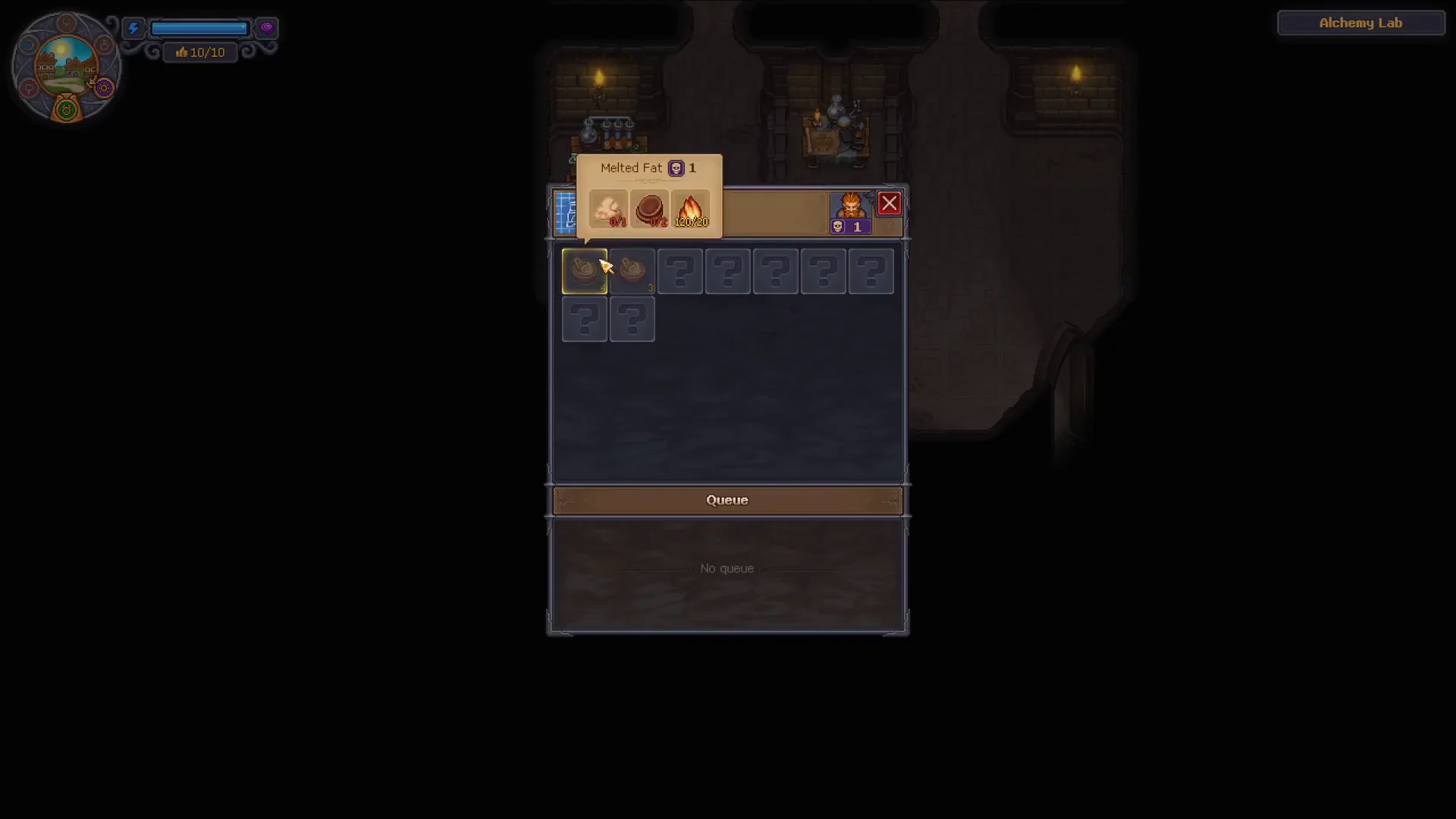
① Craftable Recipes
② Fuel Reservoir
③ Queue (Bottom)
Step-by-Step Workbench Operation
1. Open the Distillation Cube Interface
- Enter your underground Alchemy Lab workspace.
- Approach and interact with the Distillation Cube workbench.[2]
- The workbench window displays the station title at the top, craftable recipes on the left, the internal flame fuel reservoir at center, and the batch Queue controls at the bottom.[2]
2. Select the Alcohol Recipe
- Highlight the Alcohol recipe icon in the station recipe grid.[1]
- Verify that your character has unlocked the prerequisite technology (Anatomy Mastery 3).[5]
3. Check Fuel and Staged Materials
- Check your inventory: ensure you carry at least
1/1Wine and2/2Clay Urns.[1] - Inspect the station's internal flame reservoir gauge (e.g.
120/20). Distillation consumes station fuel points rather than player stamina.[2] Ensure the reservoir reads 20 or higher before queueing.
4. Trigger the Crafting Queue
- Click the Queue button at the bottom of the workbench window to queue one or more batches into the station's automated buffer.[2]
- The Distillation Cube operates automatically once queued.
5. Completion & Output Scope
- Community guides report that completing the batch yields 4 Alcohol (or 7 with the Cube distillations perk active).[3][4]
- Collection Note: While station operation and the Queue mechanism are confirmed from in-game UI, post-distillation item retrieval controls remain under verification across ongoing gameplay footage.
Troubleshooting & Common Roadblocks
🔍 Production Checklist & Error Prevention
- Alcohol Recipe Missing: Ensure the recipe has been researched in your tech tree and that Anatomy Mastery 3 is unlocked.
- Queue Button Greyed Out: Check that the station's fuel meter has at least 20 fuel points, and verify that both 1 Wine and 2 Clay Urns are present in your carried inventory.
- Wrong Urn Type: The recipe specifically requires Clay Urns, not Ceramic Pitchers or Glass Containers.
Connected Progression
Alcohol produced at the Distillation Cube is an alchemical solvent used in advanced mortuary preparations:
- If you are preparing the morgue for zombie reanimation, see Prepare Resurrection Table.
Verified Sources & In-Game References
- Wine Alcohol recipe inputs (1 Wine + 2 Clay Urns + 20 Fuel) documented in Wikily Distillation Cube Recipes, GamerBlurb Alcohol Guide, and Fextralife Alcohol Page. ↩ 1, 2, 3, 4
- Distillation Cube station interface, internal flame reservoir, and Queue button verified via research stills and Wikily Crafting Stations. ↩ 1, 2, 3, 4, 5
- Standard batch yield of 4 Alcohol reported in Wikily and GamerBlurb. ↩ 1, 2
- Perk yield boost (7 Alcohol with Cube distillations perk) reported in Wikily and GamerBlurb. ↩ 1, 2
- Anatomy Mastery 3 requirement reported in Wikily and GamerBlurb. ↩ 1, 2