With Gunter's trade window open, buy Blue Crystal in three direct actions:
- 1 Select Gemstone: Click the faceted Blue Crystal in Gunter's inventory on the right to stage your quantity.
- 2 Verify Coins: Check the net coin calculation in the middle panel against your purse balance.
- 3 Confirm & Verify: Select the green check mark (✓) at the bottom of the middle panel, then inspect your backpack on the left to verify receipt.[1][2]
Trading Interface & Visual Guide
The screenshot below illustrates the active trade screen. Open the image in a new tab for full-size inspection:
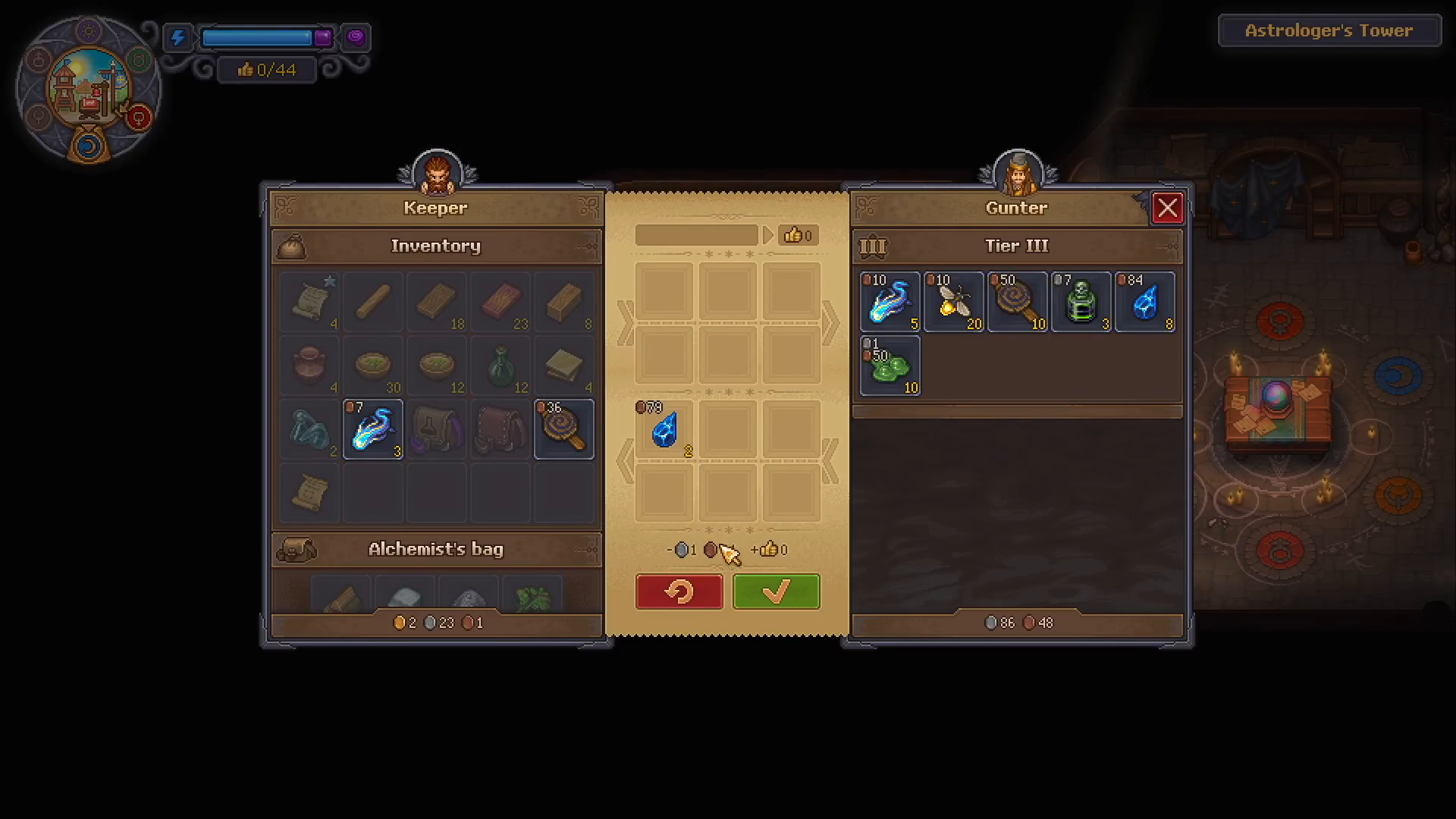
Click the faceted Blue Crystal icon in Gunter's merchant stock grid to transfer the desired quantity into the center stage.
Check the staged crystal count and the required coin payment displayed at the bottom of the center column before clicking anything.
Click the prominent green check mark (✓) at the bottom of the center column to execute the purchase.
Inspect your carried backpack slots on the left. Staged crystals in the center are not delivered until confirmed.
Step-by-Step Purchase Details
1. Choose Blue Crystal
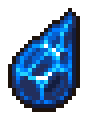
Locate the small, faceted blue gemstone in Gunter's stock grid on the right side of the screen. Click on it to designate how many you want to purchase. The selected items will immediately shift to the middle staging area.[3][1]
2. Check the Payment
Compare the required coin sum shown at the bottom of the middle column with the money in your purse. Pay the dynamic price shown on the screen rather than relying on quoted base figures.[2] Keep player sales separate to avoid confusing mixed trade transactions.
3. Click the Green Check Mark and Check Backpack
Once both the quantity and cost are verified, click the green check mark (✓) located at the bottom of the middle staging column.[1][2] Immediately open your carried inventory on the left side of the screen to confirm that the Blue Crystals have safely landed in your slots.[4]
Troubleshooting & Common Roadblocks
- Blue Crystal Missing from Stock: Gunter's shop may be closed, unrefreshed, or prerequisite unlock dialogue was missed. This guide requires an already open shop with stock present.
- Insufficient Coins: Ensure your purse has enough currency to cover the full dynamic sum listed in the center panel.
- Full Inventory: Ensure you have free carried slots. In update 1.006, bag space handling was patched; ensure sufficient room before initiating the trade.[4]
Connected Usage: Golden Zombie Collar
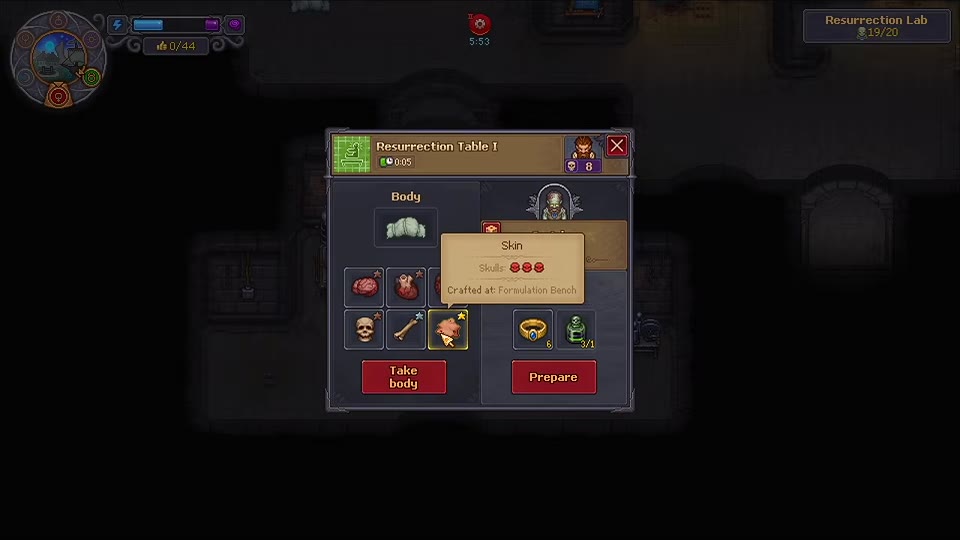
Blue Crystal is a crafting component required for the optional advanced Golden Zombie Collar recipe.[5] Obtaining Blue Crystals from Gunter completes this purchase task; assembling the collar and operating the Resurrection Table are separate milestones:
- If you are building toward advanced zombie automation, see Prepare Resurrection Table.
Verified Sources & In-Game References
- Gunter’s trade-screen screenshot, ItemLevel. ↩ 1, 2, 3
- Trading mechanics: opening explanation, Graveyard Keeper 2 Wiki. ↩ 1, 2, 3
- Blue Crystal: name and item icon, Graveyard Keeper 2 Wiki. ↩ 1, 2
- Official Steam announcements: Update 1.006, Inventory, trading & economy. ↩ 1, 2
- Golden Zombie Collar crafting-screen screenshot, ItemLevel. ↩